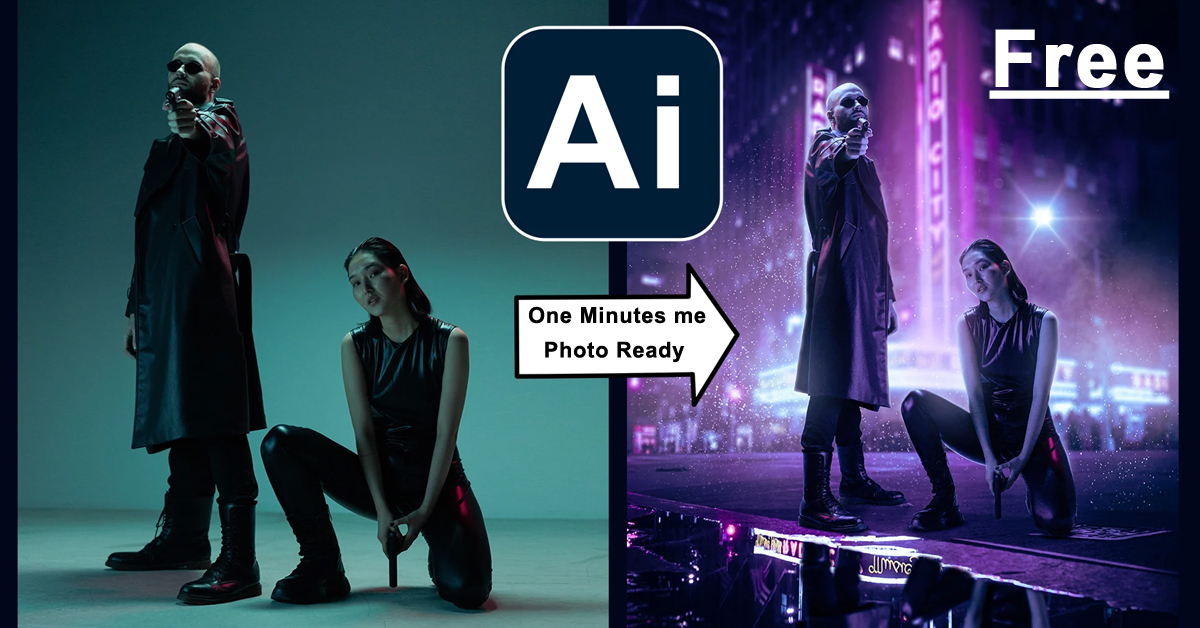
आज के डिजिटल युग में फोटो एडिटिंग (Photo Editing) सिर्फ़ प्रोफेशनल फ़ोटोग्राफ़र्स तक सीमित नहीं रह गई है। अब हर कोई चाहता है कि उसकी फ़ोटो परफ़ेक्ट लगे — चाहे वो Instagram पर डालनी हो, YouTube थंबनेल बनाना हो, या किसी ब्लॉग के लिए विज़ुअल तैयार करना हो।
लेकिन जब बात आती है फोटो एडिटिंग सॉफ़्टवेयर की, तो ज़्यादातर टूल्स पेड होते हैं — जैसे Adobe Photoshop, Lightroom आदि।
इसीलिए, 2026 में कई Free AI Photo Editing Tools ऐसे हैं जो बिना पैसे खर्च किए आपको प्रोफेशनल क्वालिटी एडिटिंग की सुविधा देते हैं।
यह आर्टिकल आपको बताएगा कि 2026 में कौन-कौन से Free AI Photo Editing Tools सबसे बेस्ट हैं, कैसे उनका इस्तेमाल करें, और कौन-सा टूल आपकी ज़रूरत के हिसाब से सबसे बेहतर है।
Table of Contents
🧠 AI Photo Editing क्या है?
AI Photo Editing का मतलब है — आर्टिफिशियल इंटेलिजेंस की मदद से ऑटोमेटिक एडिटिंग।
इसमें मशीन आपकी फ़ोटो को समझती है और अपने आप उसे एडजस्ट करती है — जैसे:
- बैकग्राउंड हटाना
- फेस स्मूथ करना
- लाइट और कलर को बैलेंस करना
- ऑब्जेक्ट हटाना या जोड़ना
- फोटो को स्टाइलाइज्ड बनाना
पहले जहां ये काम करने में घंटे लगते थे, वहीं अब AI टूल्स इसे कुछ सेकंड में कर देते हैं।
🔥 2026 में Photo Editing के लिए सबसे Best Free AI Tools
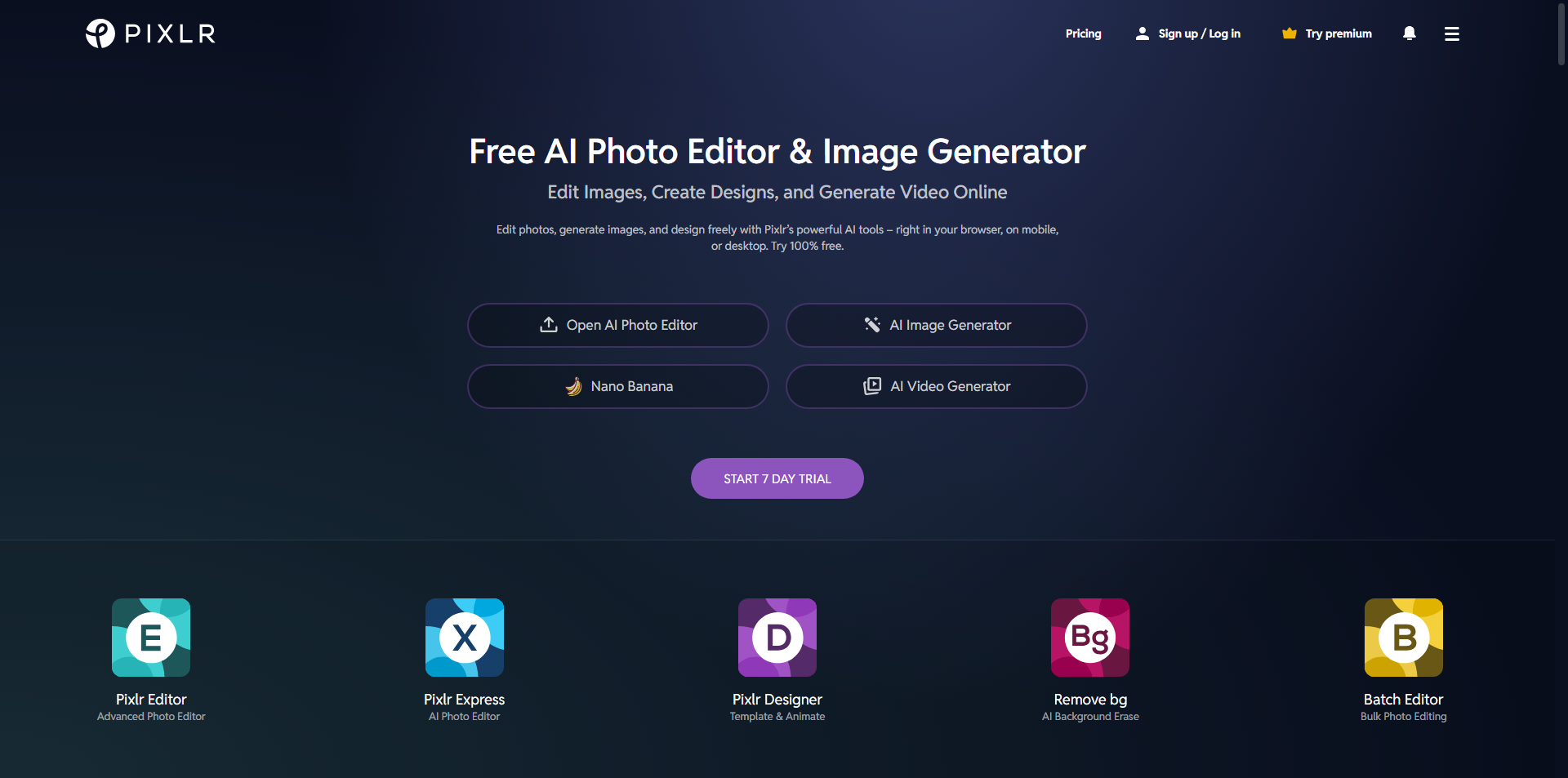
🥇 1. Pixlr AI Editor (Best for Beginners)
वेबसाइट: https://pixlr.com
फ़ीचर्स:
- AI Background Remover
- AI Auto Enhance
- Object Eraser
- Text + Template Library
- Web और Mobile दोनों पर उपलब्ध
फायदे:
- पूरी तरह Free Version उपलब्ध
- Browser-Based (कुछ डाउनलोड करने की जरूरत नहीं)
- Social Media Creators के लिए Perfect
कमियां:
- Advanced AI Tools Premium Version में हैं
- Internet Connection जरूरी है
🥈 2. Fotor AI Photo Editor (One Click Magic Tool)
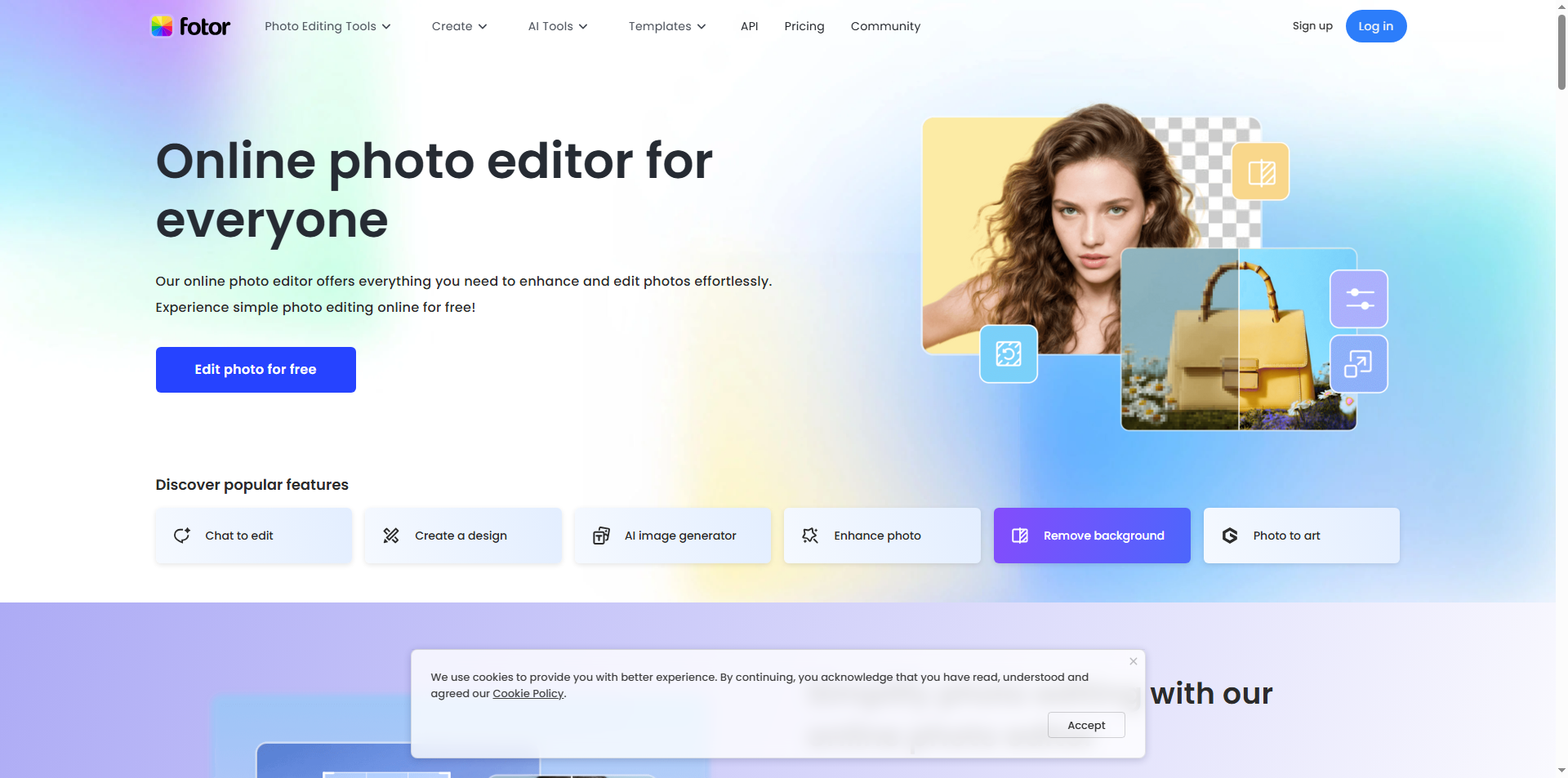
वेबसाइट: https://www.fotor.com
फ़ीचर्स:
- One-Click Auto Enhance
- Background Remove
- AI Portrait Retouch
- Object Removal
- AI Photo Generator
फायदे:
- Easy to Use Interface
- Quick Results for Thumbnails and Instagram Posts
- Free Plan काफी पावरफुल
कमियां:
- Watermark कभी-कभी लग सकता है
- कुछ प्रो फ़ीचर्स पेड हैं
🥉 3. Canva AI Editor (Design + Editing दोनों)
वेबसाइट: https://www.canva.com
फ़ीचर्स:
- AI Magic Eraser
- Background Remove
- Object Replace
- “Magic Grab” से किसी भी फोटो में एलिमेंट मूव कर सकते हैं
- Design Templates + Stock Library
फायदे:
- Beginner Friendly
- Social Media Creators और Bloggers के लिए Perfect
- Mobile App + PC दोनों पर चलता है
कमियां:
- Free Version में कुछ AI Tools Locked होते हैं
4️⃣ Photopea (Photoshop Alternative)
वेबसाइट: https://www.photopea.com
फ़ीचर्स:
- Layer Support
- PSD File Editing
- Background Remove
- Smart Object Tool
फायदे:
- बिल्कुल Photoshop जैसा इंटरफेस
- 100% Free
- किसी भी Browser में चलता है
कमियां:
- AI Features सीमित हैं
- Beginners के लिए थोड़ा Complex
5️⃣ GIMP + AI Plugins (Offline Editing Lovers के लिए)
वेबसाइट: https://www.gimp.org
फ़ीचर्स:
- Photoshop Level Layer Support
- Plugin System (AI Tools जोड़ सकते हैं)
- Offline Editing Possible
फायदे:
- 100% Free & Open Source
- No Internet Required
कमियां:
- Interface थोड़ा पुराना लगता है
- Manual Editing ज्यादा करनी पड़ती है
6️⃣ Remove.bg (AI Background Removal Master)
वेबसाइट: https://www.remove.bg
फ़ीचर्स:
- One-Click Background Remove
- Transparent PNG Export
- Batch Upload Option
फायदे:
- Super Fast AI
- Background बदलना आसान
कमियां:
- Full HD Download Credits Limited हैं
Keyword Example:
- “Free AI background remover 2026”
- “Remove.bg alternatives free”
💡 Bonus Tools 2026 (Upcoming AI Photo Editors)
- Luminar Neo AI (Trial Version) – Advanced AI Lighting & Portrait Editing
- VanceAI Photo Enhancer – Blur हटाने और फोटो शार्प करने के लिए
- Snapseed AI Update 2026 – Google का स्मार्ट AI एडिटिंग टूल
- Adobe Firefly Free Beta – Text-to-Image और Generative Fill
⚙️ Free AI Photo Editing Tools कैसे इस्तेमाल करें
- अपने ब्राउज़र में किसी भी टूल की वेबसाइट खोलें
- अपनी फोटो अपलोड करें
- Background हटाने या Auto Enhance जैसे फीचर्स चुनें
- Export करें और डाउनलोड कर लें
- एडिट की हुई फोटो को अपने Blog, YouTube Thumbnail, या Social Media पर इस्तेमाल करें
निष्कर्ष (Conclusion)
2026 में AI Photo Editing Tools ने पूरी तरह से फोटो एडिटिंग इंडस्ट्री को बदल दिया है।
अब आपको Photoshop सीखने की ज़रूरत नहीं — बस सही AI Tool चुनिए और मिनटों में अपनी तस्वीर को परफेक्ट बना लीजिए।
अगर आप content creator, blogger, या YouTuber हैं, तो ये टूल्स न सिर्फ़ आपकी फोटो को सुंदर बनाएंगे, बल्कि आपको monetization के नए मौके भी देंगे।
तो देर मत कीजिए — आज ही Pixlr, Fotor या Canva में से किसी एक को आज़माइए और AI की ताकत से अपनी क्रिएटिविटी को नए स्तर पर ले जाइए! 🚀